


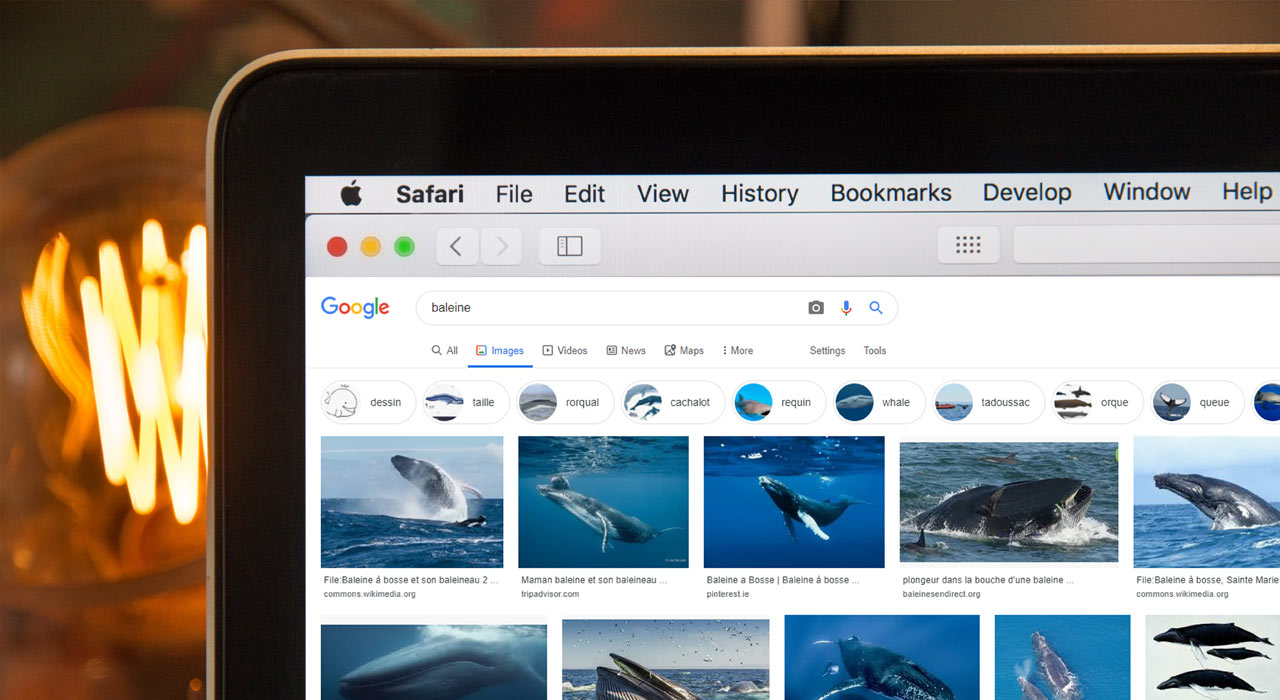
How to Use Google Images for Language Learning

Full disclosure: This post contains affiliate links. ?
Google Images can be a useful language-learning tool, but it is not an online dictionary.
A dictionary tells you what a word means, how it is used and often how it is pronounced. An image search does something different: it gives you a quick visual check for words that refer to concrete things.
Use the two together. Check the dictionary for meaning and grammar, then use images to make the idea easier to remember and to spot when a translation is too broad.
A note from the Fluent in 3 Months team before we get started: You can chat away with a native speaker for at least 15 minutes with the “Fluent in 3 Months” method. All it takes is 90 days. Tap this link to find out more.
What an Online Dictionary Cannot Show You
Look up the French word voiture in a bilingual dictionary and you will probably see “car”. That translation is correct in an ordinary context. What it cannot give you by itself is a rich mental picture of the object and all the situations in which French speakers use the word.
Search for voiture in Google Images and you should see many cars in different settings. That repeated visual pattern can help you connect the French form with the concept instead of memorising an isolated pair of words.
The images are evidence, not a definition. Search results can include adverts, jokes, brand names, unrelated captions and mistakes. They can also reflect your location and search history. If the results disagree with your dictionary, investigate rather than choosing the answer you prefer.
When Images Help You Move Beyond English
Translation is useful, especially at the beginning. The problem comes when an English gloss is the only connection you build. If you have to pass through English every time you recognise or produce a familiar word, speaking can feel slower.
For a concrete noun, add a picture to the connection. When you learn voiture, picture a vehicle you know, notice the word in a French sentence and listen to its pronunciation. The English word “car” can help you get started without remaining the entire memory.
This does not work equally well for every word. Images are often helpful for animals, food, tools, clothing and places. They are much less reliable for abstract nouns, grammar words, emotions and verbs with several senses.
Build Meaning From Context
As you gain experience, familiar words begin to connect directly with situations, sounds and intentions. You do not need to ban your first language to encourage that process. You need more encounters with the new word in meaningful contexts.
Combine several kinds of evidence:
- a learner dictionary or reliable bilingual dictionary;
- an example sentence;
- audio from a proficient speaker;
- an image search when the meaning is visual; and
- feedback when you plan to use the word yourself.
One source can suggest an answer. Several independent clues tell you whether you have understood the word in the context that matters.
Use Google Images as a Visual Cross-Check
Go to Google Images and search for the target-language word. Scan the overall pattern before opening an individual result.
Ask yourself:
- Do most results show the same kind of thing?
- Does the dictionary meaning fit what I see?
- Could this be a person, place, company or product name?
- Does the word have several meanings that need separate searches?
Open the page that contains a promising image and read its caption or surrounding text. Google’s own help notes that image details include the source page. That context matters more than the thumbnail alone.
Viewing an image in search results does not give you permission to reuse it. If you want to publish an image, check the licence and the host page rather than copying it from the results.
How to Get Results in Your Target Language
The old version of this article recommended changing to a country-specific Google Images domain. Those addresses now redirect, and the domain is not a reliable way to control the language of your results.
Google says it uses several signals, including the language of your query, your settings, your device and your location. Start by typing the word in the target language. If the results are noisy, try these refinements:
- Put a multi-word expression in quotation marks to search for the exact phrase.
- Add a target-language category word, place name or short description.
- Use a minus sign to exclude an unwanted English brand or other dominant meaning.
- Check Google’s Results Language Filter or Advanced Search when you need pages in a particular language.
Google documents quotation marks, the minus operator and search filters in its current search-refinement guide. It also explains how result language is selected.
How I Use Google Images While Learning
During my Czech project, I encountered the word komár. A dictionary gave me the English gloss “mosquito”. An image search then confirmed the concrete concept and gave me a stronger visual memory.
My current workflow would be:
- Check the spelling and meaning in a reliable dictionary.
- Search the target word in Google Images.
- Open two or three source pages and check the surrounding target-language text.
- Save a mental image or make my own simple drawing.
- Review the word in a sentence with spaced repetition.
If the word is abstract or the results conflict, I skip the image shortcut and rely on definitions, examples and a speaker’s explanation.
Try Google Images Alongside Your Dictionary
Choose five concrete words you are learning. Check each one in a dictionary, then search for images and compare the results. Keep the image association only when the pattern is clear and matches the definition.
Google Images is not the best online dictionary. It is a useful visual companion to one.

Social