

Why learning online is better than in-person, and how to make use of your technology

Full disclosure: This post contains affiliate links. ?
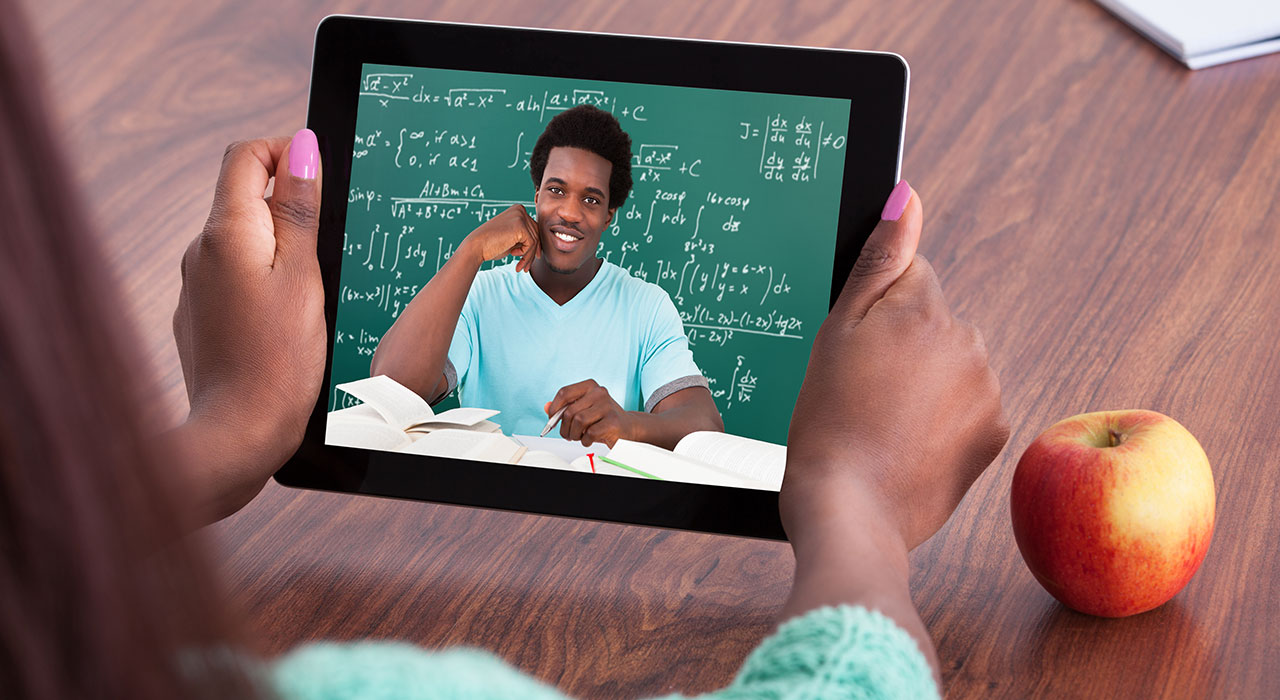
One of the best tools available to us for learning a language is a video call with an experienced speaker or teacher.
The pros are many. It doesn’t require travel. Through many sites it’s cheaper than in-person lessons, and it usually has way more options than you would find in your home town.
Because of this, I’ve written a series of articles to help people get the best out of their online lessons. So far we’ve covered
- How to find the right teacher for online lessons, and
- How to prepare for your first online language lesson
Today I want to talk about tools you can use during online lessons that would be awkward in person, and how to get more out of each call with your teacher.
But first, let's cover something interesting that comes from all this: why online lessons can actually be better.
A note from the Fluent in 3 Months team before we get started: You can chat away with a native speaker for at least 15 minutes with the “Fluent in 3 Months” method. All it takes is 90 days. Tap this link to find out more.
Advantages of using technology

I’ve already argued that online language lessons can work as well as in-person lessons or even travelling to the country. Some activities are also easier online than face to face.
- Online, you can decide whether you’d like to see the teacher or not. If you’re having a bad hair day, or if you can’t stand the idea of someone seeing you struggling as a beginner, just don’t activate your webcam and make it audio only. Easy. This is especially useful for shy or introverted language learners!
- Your computer and home are a familiar environment. This is absolutely key for people who are afraid of getting into language learning. It’s not just speaking another language, but sometimes just the place you do it in that can create bad associations.
- It's way easier to avoid excuses. If it's raining, or if there is a public transport strike, or if your dog is just really cuddly that day and you can't bear to part, then you may be tempted to skip your class, “just this once”. An internet outage is one practical reason you may need to reschedule an online class.
- While you're speaking online, you can have a tab (or several!) open on your computer to a dictionary or translator that will help you speak and keep the conversation flowing, and you can use it without distracting your teacher. This “cheating” is something I do during the first times I try to speak, but I do it in such a way that it is less distracting and embarrassing than using dead-tree dictionaries would be in person.
- You may be able to record an online lesson for personal review, but ask your teacher first and check the law where each participant is located.
- You can also use the digital tools I’ll describe below.
Now that I learn my languages almost exclusively online, I've improved my technique and have found some cool ways to make the experience even more rewarding and useful for me as a student.
Live correction with Google Docs
In-person classes are indeed great for getting spoken practice, but it feels awkward for getting written practice. You are either writing in silence, or waiting for your teacher to read in silence. And I don’t know about you, but I’m more comfortable typing than I am writing. So if I'm practising in-person, should I bring a laptop and then hand it to my teacher for correction? It’s sloppy.
One alternative is to write in your free time and then hand it to your teacher. But I'm personally terrible with homework, so I found a way to improve my writing skills, while getting correction and not wasting class time.
I get live correction via Google Docs.
The way this works is that you and your teacher both view the same document and can both make changes to it, and those changes can be viewed in real time. If you want to get your mistakes corrected immediately as you write, you can do this, but what some of my teachers do is let me type and they will have another page open, or another document open, and they will type out corrections and explanations in real time as they see my mistakes.
Usually for this part, I turn off the audio/video feed and focus on writing, and then when I finish a section I get back on the call and my teacher immediately takes me through their corrections without needing me to wait while they read, since they were reading as I typed.
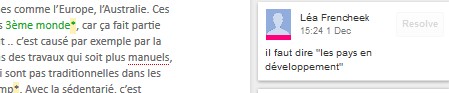
Another great use of Google Docs is that I will be talking to my teacher, and they will be typing what I say, but marking mistakes or commenting on them.
This is very simple, but the benefit is that they are still speaking to me naturally without saying any corrections, and yet they can still visually correct me. I have found this to be an extremely effective way to get feedback without interrupting the flow of the conversation.
Screenshare
Many video-call platforms let you share your screen or view your teacher’s screen. This can simulate reading a book together and is useful if they have the book or their notes scanned.

My German teacher used Webex, which let us share the screen and add annotations. That was useful for writing on a book or worksheet that wasn’t already editable.
My teacher also shared files such as audio within the program, so we could keep the lesson materials together.
I would also get my entire class (visual, audio, file attachments) emailed to me at the end of the class.
Get out of the classroom virtually
Once, one of my teachers took his smartphone to a festival, found a good Wi-Fi signal, and let me see and hear people dancing and singing.
These “day trips” are easier than you think, and just as effective as they would be in person. My teacher has also had me give a tour of my home in the target language, and at times if their friend pops in, instead of it being a nuisance, they've actually invited them to join in on the chat and give me practice with another speaker!
Video and audio calls keep evolving. These kinds of activities, such as moving around with your smartphone or setting up a group call, were much harder years ago.
I’m excited to see new tools help teachers and students work together more easily at a distance.

Social